
Download StuffIt Deluxe – Powerful File Compressor for Mac, Free, Secure, and Fast
Overview – Why StuffIt Deluxe Remains the Go‑to Compressor for Mac Users
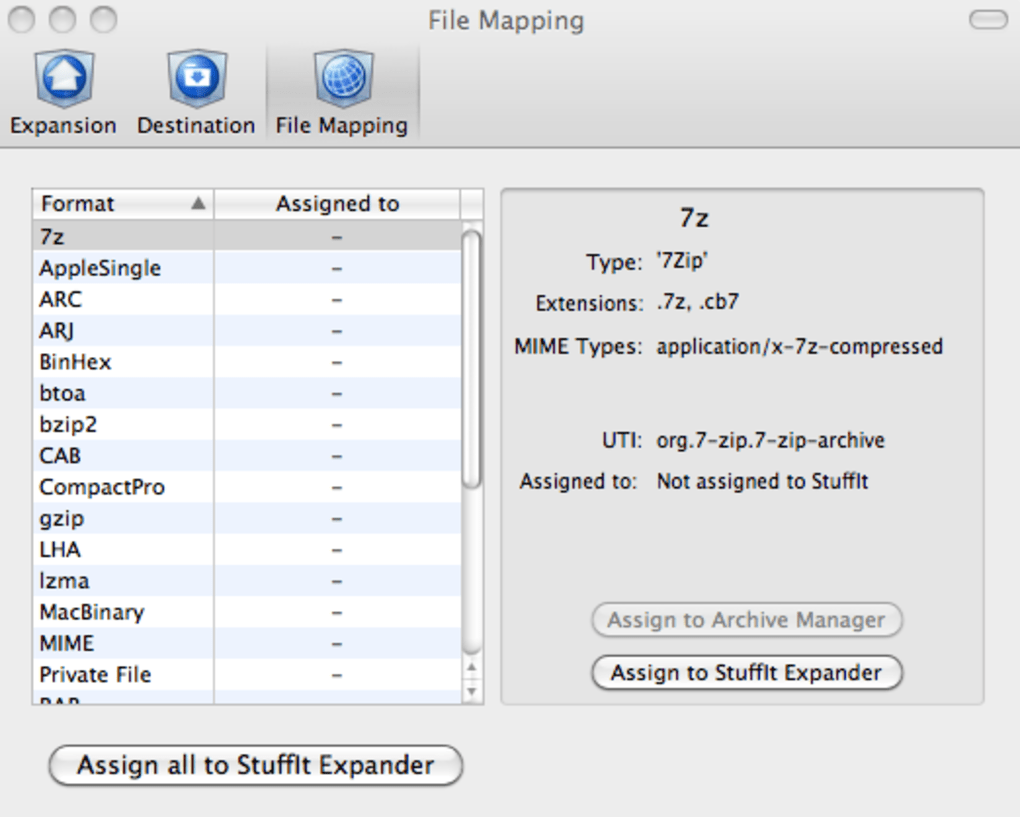
StuffIt Deluxe is the most advanced version of the legendary StuffIt family, a file compression and expansion suite that has been a staple on macOS for over two decades. Designed specifically for Mac power users, the tool supports more than 30 archive formats, including RAR, 7‑Zip, split and segmented archives, as well as native Mac formats like .sit and .dmg. What truly sets StuffIt Deluxe apart is its ability to preview, browse, and even extract individual files from an archive without the need to fully decompress it first. This selective extraction saves time, reduces disk usage, and makes handling massive image collections, software bundles, or backup sets a breeze.
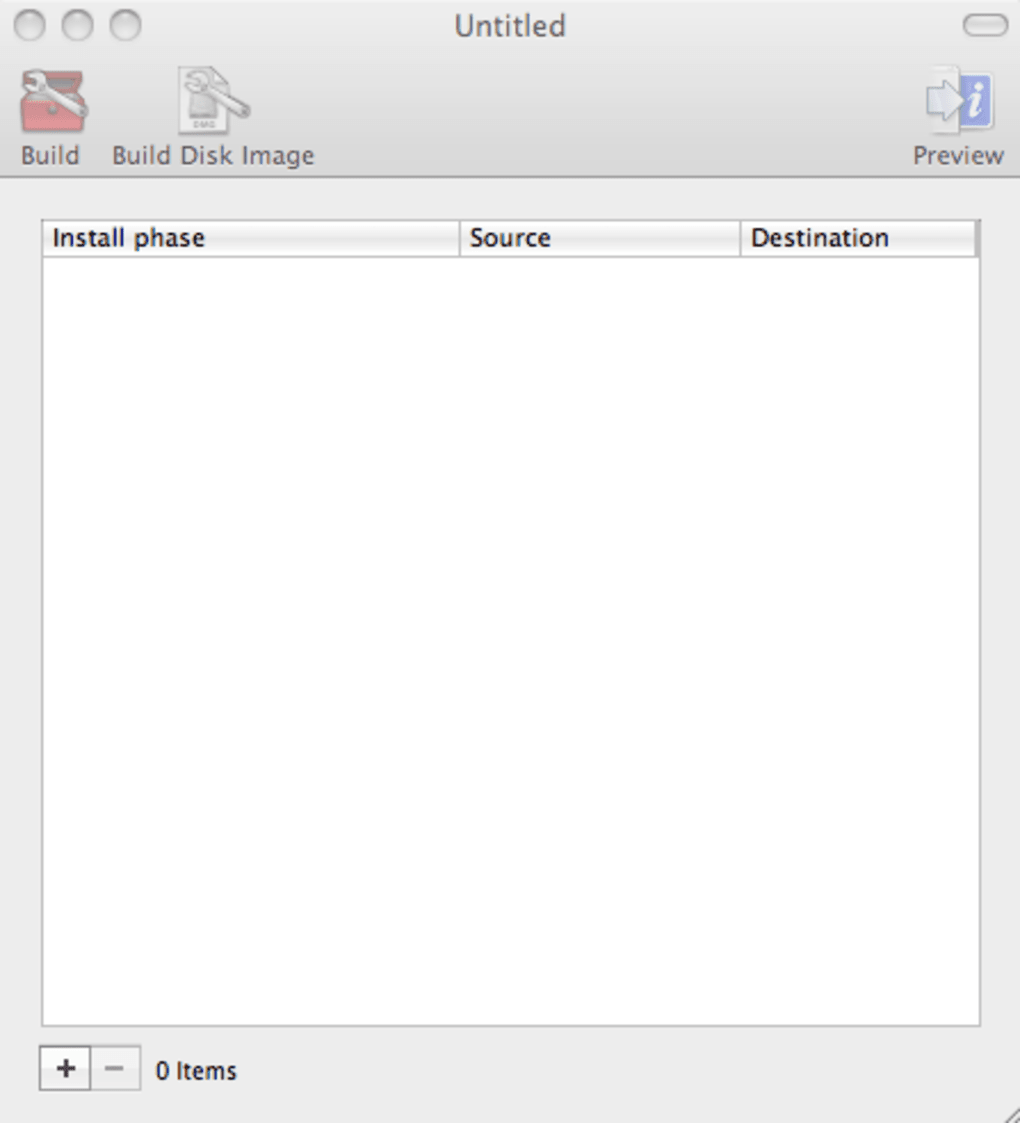
One of the biggest pain points when sharing files between macOS and Windows is the hidden “AppleDouble” metadata that can corrupt a Windows‑only archive. StuffIt Deluxe automatically strips this extraneous data, creating clean, cross‑platform archives that open flawlessly on Windows, Linux, or any device with a standard unzip utility. The application also bundles a set of productivity‑boosting extras: a MagicMenu for creating disk images, DropStuff zones for one‑click compression, a backup scheduler, and a mini‑installer creator called SEA Maker. For photographers and designers, dedicated Quick Look plugins let you preview image archives directly in Finder, Mail, or even Time Machine backups, making it an indispensable tool for creative professionals who need to ship large portfolios securely.
The latest update adds the ability to hide the StuffIt Destinations dock icon and includes minor bug fixes that improve overall stability. Whether you’re a freelance photographer, a software developer, or just a regular Mac user looking for a reliable way to compress and share files, StuffIt Deluxe delivers a polished, secure, and feature‑rich experience that rivals any cross‑platform competitor.
Key Features – What StuffIt Deluxe Brings to the Table
- 30+ Supported Formats: RAR, 7‑Zip, ZIP, TAR, GZIP, BZIP2, split archives, and native StuffIt formats.
- Selective Extraction & Preview: Browse archives, preview files, and extract only what you need without full decompression.
- Cross‑Platform Clean Archives: Automatic removal of macOS metadata ensures Windows users can open archives without errors.
- Quick Look Integration: Preview archive contents directly in Finder, Mail, and Time Machine (requires OS X 10.5+).
- Image‑Focused Plugins: Special preview support for iPhoto and Aperture libraries, ideal for photographers.
- MagicMenu & Disk Image Creation: Build .dmg, .iso, or encrypted disk images with a few clicks.
- DropStuff Zones: Create custom drop areas with preset compression settings for one‑click operations.
- Backup Scheduler: Automate regular backups of selected folders or volumes.
- MacFUSE Integration: Seamlessly work with third‑party file systems and network mounts.
- SEA Maker Mini‑Installer: Package your own installers for distribution or internal deployment.
Each feature is built with performance and security in mind. The compression engine leverages multi‑threaded processing to maximize CPU usage on modern Macs, delivering faster archive creation without sacrificing compression ratios. Encryption options include AES‑256, ensuring that sensitive data stays protected both at rest and in transit. The user interface follows macOS Human Interface Guidelines, providing an intuitive drag‑and‑drop workflow while also offering advanced settings for power users who need fine‑grained control over compression levels, split sizes, and archive metadata.
In addition to the core compression suite, StuffIt Deluxe’s auxiliary tools—MagicMenu, DropStuff, and SEA Maker—extend its utility beyond simple archiving. For example, a graphic designer can quickly create a self‑extracting installer for a client presentation, while a system administrator can schedule nightly backups of critical configuration files. This ecosystem of complementary utilities makes StuffIt Deluxe a comprehensive solution for anyone who regularly works with large or complex data sets on macOS.
Installation, Usage & Compatibility – Getting Started on macOS
Step‑by‑Step Installation
1. Download the Installer: Visit the official StuffIt website and click the “Download StuffIt Deluxe” button. The file is a standard .dmg package, typically under 150 MB.
2. Mount the Disk Image: Double‑click the .dmg file to mount it. A window will appear showing the StuffIt Deluxe app and a shortcut to the Applications folder.
3. Install the Application: Drag the StuffIt Deluxe icon into the Applications folder. macOS may request administrator credentials; enter your password to authorize the copy.
4. Launch and Register: Open StuffIt Deluxe from the Applications folder. On first launch, you’ll be prompted to enter a license key (if you purchased) or start a 30‑day trial. The trial version provides full feature access.
Basic Usage Workflow
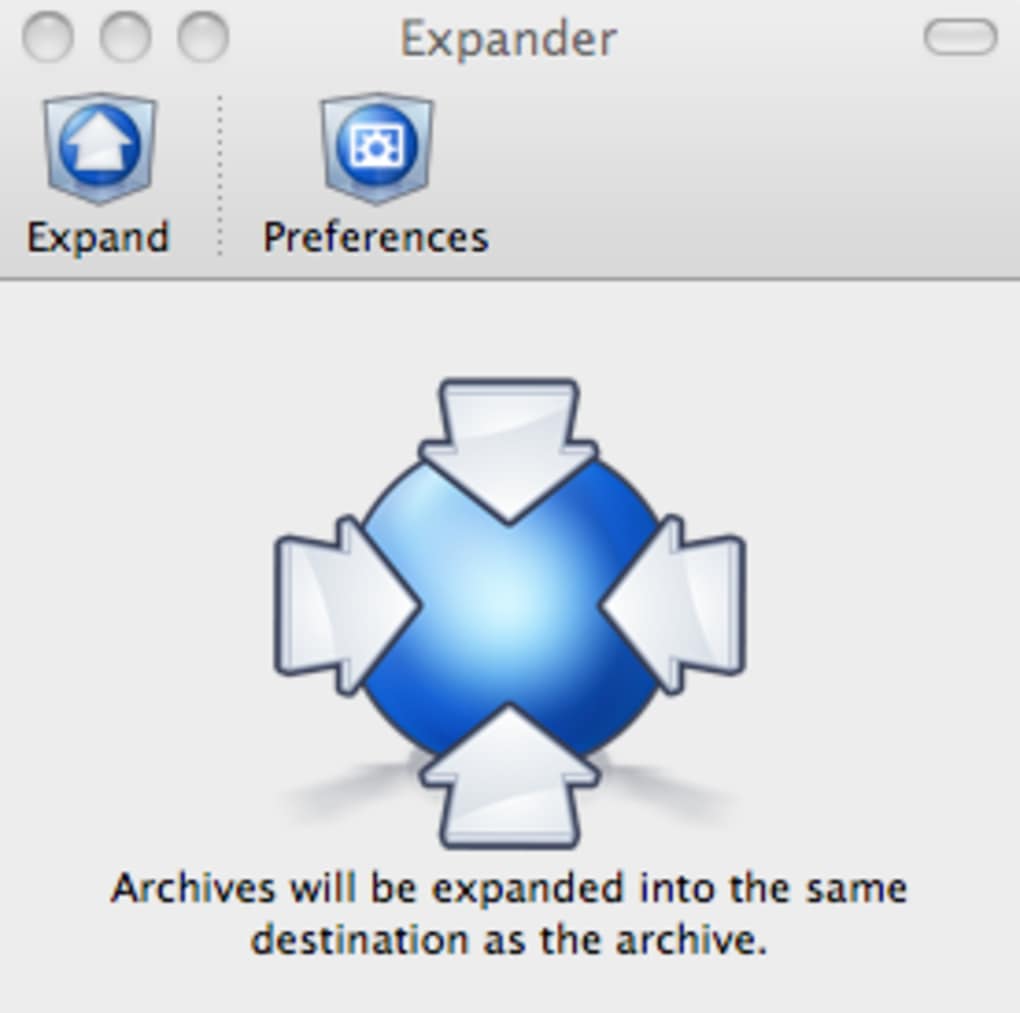
Once installed, using StuffIt Deluxe is as simple as dragging files onto the app’s main window or right‑clicking any file/folder in Finder and selecting “Compress with StuffIt Deluxe” from the contextual menu. The program then presents a dialog where you can choose the archive format, compression level, and optional encryption. For selective extraction, double‑click an archive, preview its contents in the built‑in browser, and click the checkboxes next to the files you wish to extract.
Advanced users can create custom DropStuff zones on the desktop: right‑click the desktop, choose “Create DropStuff Zone,” and configure default settings such as format, split size, and password protection. Every file dropped onto this zone is automatically compressed according to those presets, streamlining repetitive tasks.
Compatibility Details
StuffIt Deluxe requires macOS 10.11 (El Capitan) or later. It runs natively on Intel‑based Macs and on Apple Silicon (M1/M2) thanks to universal binaries. The application integrates with macOS features like Quick Look, Finder extensions, and the Services menu, ensuring a seamless experience across all recent macOS releases.
While the core product is macOS‑only, archives created with StuffIt Deluxe can be opened on Windows, Linux, and mobile platforms using free tools such as 7‑Zip, WinRAR, or the free StuffIt Expander for Windows. This cross‑platform compatibility is a key selling point for users who regularly exchange files with colleagues on different operating systems.
Pros, Cons & Frequently Asked Questions
Pros
- Supports over 30 archive formats, eliminating the need for multiple utilities.
- Selective extraction and preview save time and disk space.
- Cross‑platform clean archives prevent Windows compatibility issues.
- Integrated Quick Look plugins for instant preview in Finder and Mail.
- Advanced tools (MagicMenu, DropStuff, SEA Maker) extend functionality beyond compression.
- AES‑256 encryption keeps sensitive data secure.
- Native macOS UI and contextual menu integration for a smooth workflow.
Cons
- Only available for macOS; no native Windows or Linux version.
- Full feature set requires a paid license after the trial period.
- Some advanced settings may be overwhelming for beginners.
- Occasional lag when previewing very large archives (depends on system resources).
FAQ – Answers to Common Queries
-
Can I compress files larger than 4 GB?
Yes. StuffIt Deluxe supports split archives, allowing you to create multi‑part files of any size. You can define the split size (e.g., 2 GB, 4 GB) during compression.
-
Is the compression lossless for image files?
All supported archive formats use lossless compression, so your images retain their original quality. StuffIt Deluxe does not perform any image re‑encoding.
-
How does StuffIt Deluxe handle macOS metadata when creating archives for Windows?
The application automatically strips AppleDouble resource forks and ._ files, producing clean archives that open without errors on Windows machines.
-
Can I schedule automatic backups with StuffIt Deluxe?
Yes. The built‑in backup scheduler lets you define recurring tasks (daily, weekly, monthly) and choose which folders or volumes to back up, with optional encryption.
-
Is there a free version of StuffIt Deluxe?
A 30‑day free trial is available, providing full access to all features. After the trial, you must purchase a license to continue using the deluxe functionality.
Conclusion – Should You Download StuffIt Deluxe?
If you are a macOS user who frequently creates, shares, or backs up large collections of files, StuffIt Deluxe offers a comprehensive, secure, and highly efficient solution. Its ability to preview archives, remove macOS‑specific metadata, and integrate seamlessly with Finder makes it stand out from generic compressors. While the price tag may be a consideration for casual users, the productivity gains—especially for professionals handling massive image libraries or cross‑platform collaborations—justify the investment. Download the trial today, explore the powerful feature set, and decide if the premium experience aligns with your workflow.
Click here to download StuffIt Deluxe and start compressing with confidence.







